LifePlusHealthcare At Your Fingertips
Telemedicine
Support
A person answers the hotline — for booking, payment or joining a call.
Video consultation
Choose a specialist, reserve one of their real time slots, pay online and join the video call from this site or the Life Plus app. Reports you attach reach the doctor before the call and stay in your account afterwards.
Step by step
The same four steps for every doctor on Life Plus.
Filter by speciality or search by name. Every card shows that doctor’s own video fee.
Pick a date and one of the doctor’s real time slots, add the patient’s details, then pay online at checkout.
The booking appears under My consultations. Join turns on when your appointment opens and takes you straight into the video room in your browser.
Attach prescriptions and reports before the call and add more afterwards — they stay with that consultation in your account.
Meet the doctors
57 doctors across 19 specialities take video consultations today.
 Dr. Rummana Bari
 Nephrologist
MBBS, MD (Nephrology)
15+ years
৳1000Video call Irin Alam Joyti
 Psychologist Therapeutic Counselor
MSC (Counseling and Psychology, DU), BSC (Psychology, DU)
5+ years
৳600Video call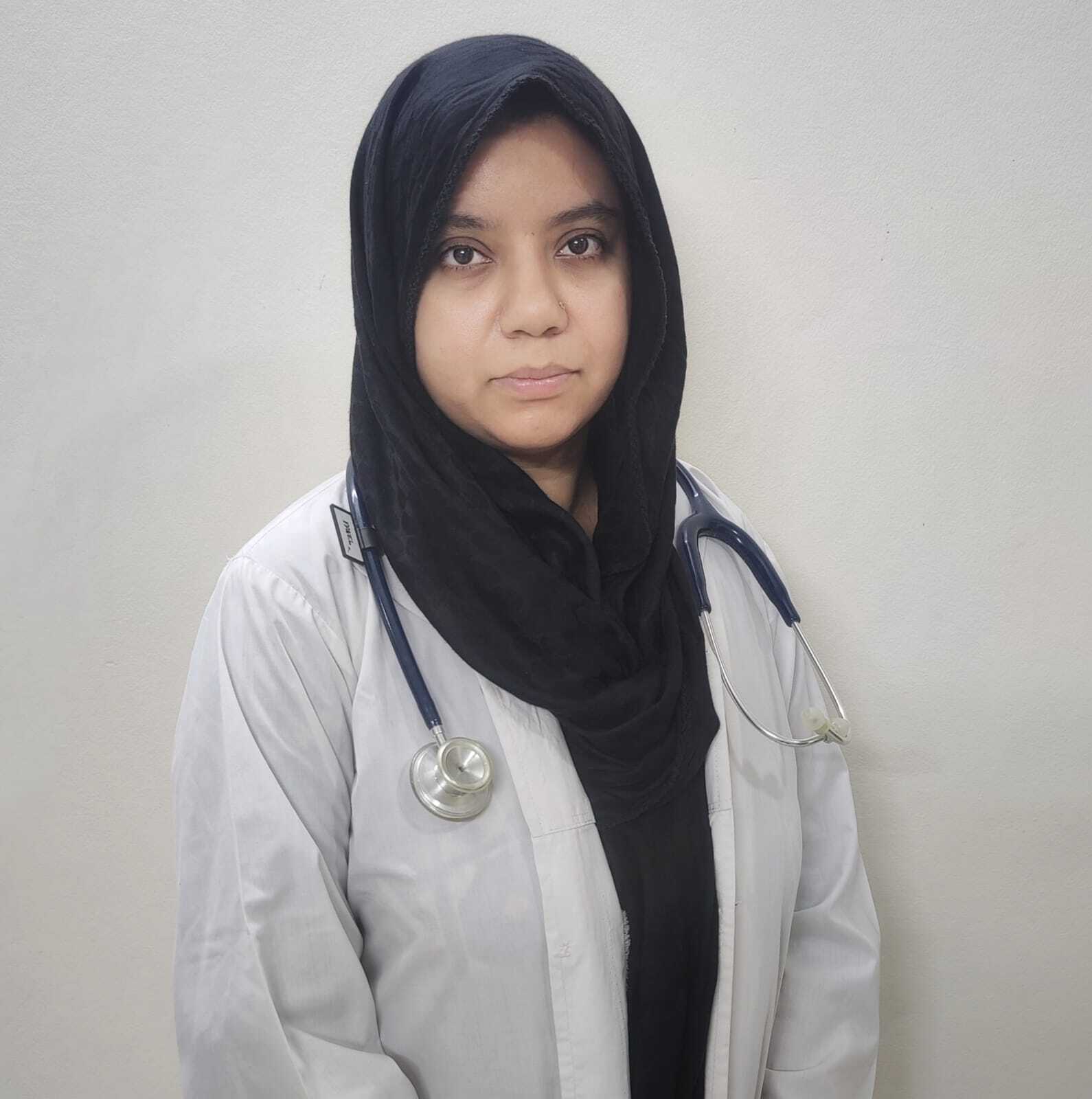 Dr. Nausheen Jahan khan
 Medicine Specialist
MBBS, CCD, FCPS part 1 internal medicine
৳300Video call Dr. Jubayer Alam Talukdar
 General Physician
MBBS, CCD(BIRDEM), CCVD(NHF)
4+ years
৳250Video call Dr. Swadesh BarmanMedicine Specialist, Clinical and Radiation Oncologist
MBBS,BCS(Health), FCPS (Medicine), MSc(Oncology) London, UK
10+ years
৳650Video call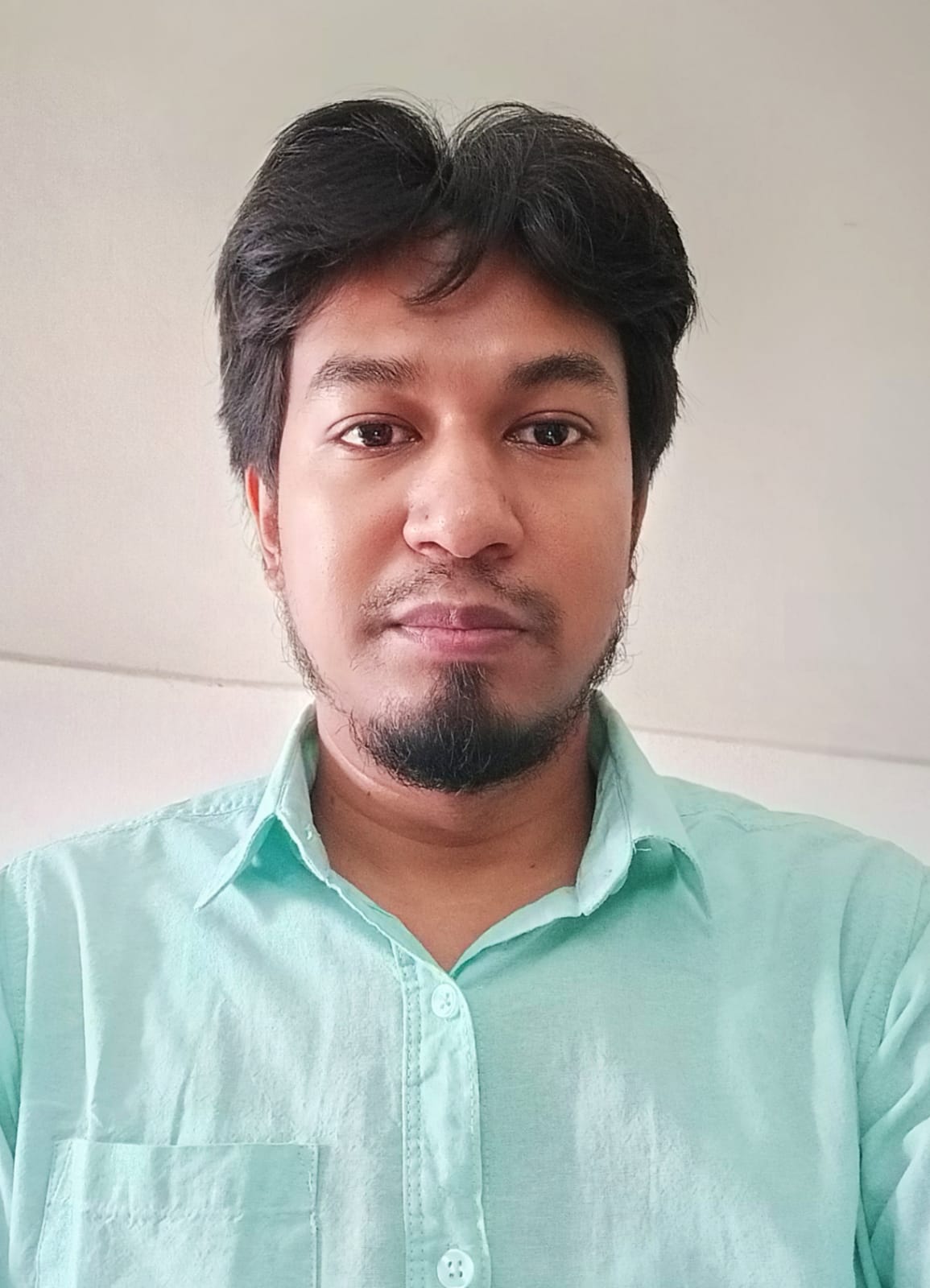 Dr. Wazed Hossan
 Ayurvedic Physician
BAMS ( Dhaka University ), DMU
8+ years
৳500Video call Dr. Md. Zaharul Hossain KhanGeneral Physician
MBBS, CCD
3+ years
৳400Video call Dr. Farjana IslamGeneral Physician
MBBS, MPH
6+ years
৳500Video callFind your doctor
Tap a specialty to narrow the list — the filter stays in the link you share.
Start from the problem
Tap what is going on and the doctor list opens filtered to the right speciality.
Emergency consultation
An emergency request skips booking entirely: it goes to the whole emergency roster at once and the first doctor to accept opens the video room. An active package is what unlocks it.
৳300for 30 days
৳300for 30 days
৳800for 180 days
≈ ৳133 per month
৳1500for 365 days
≈ ৳123 per month
Get ready
Five minutes of preparation makes the consultation itself much shorter.
Questions
Before you book or join your call
Open Telemedicine and choose Priority consultation or Specialized consultation, then find a doctor by speciality or by name. Press Consult on the doctor’s card, pick a date, and choose one of the time slots that doctor has published for that day. Say whether the consultation is for you or for someone else and fill in the patient’s name, mobile number, age and gender. You can attach prescriptions or reports at this step. Tick the telehealth consultation consent, press Continue booking, and complete the online payment at checkout — the time slot is reserved for your booking when the payment goes through. You can also add the consultation to your cart and pay for several services together.
টেলিমেডিসিন খুলে অগ্রাধিকার পরামর্শ বা বিশেষজ্ঞ পরামর্শ বেছে নিন, তারপর বিশেষজ্ঞতা বা নাম দিয়ে ডাক্তার খুঁজুন। ডাক্তারের কার্ডে পরামর্শ চাপুন, তারিখ বাছুন এবং ওই দিনের জন্য ডাক্তারের প্রকাশিত সময়-স্লটগুলোর একটি বেছে নিন। পরামর্শটি আপনার নিজের জন্য না অন্য কারও জন্য তা জানান এবং রোগীর নাম, মোবাইল নম্বর, বয়স ও লিঙ্গ লিখুন। এই ধাপেই প্রেসক্রিপশন বা রিপোর্ট সংযুক্ত করতে পারেন। টেলিহেলথ পরামর্শের সম্মতিতে টিক দিন, বুকিং চালিয়ে যান চাপুন এবং চেকআউটে অনলাইনে পেমেন্ট সম্পন্ন করুন — পেমেন্ট হয়ে গেলে সময়-স্লটটি আপনার বুকিংয়ের জন্য সংরক্ষিত হয়। চাইলে পরামর্শটি কার্টে যোগ করে একসঙ্গে কয়েকটি সেবার পেমেন্টও করতে পারেন।
Sign in and open Telemedicine. Your bookings are listed under My consultations with the doctor’s name and the time you chose. The Join button becomes active when your appointment opens, and pressing it opens the video room in the same browser — there is nothing to install. When the call ends you are brought back to the telemedicine page. If a booking still shows that payment is required, finish the payment first: the Join button stays off until the payment is confirmed. You can also join from the Life Plus app.
সাইন ইন করে টেলিমেডিসিন খুলুন। আপনার বুকিংগুলো আমার পরামর্শ অংশে ডাক্তারের নাম ও আপনার বেছে নেওয়া সময়সহ দেখা যাবে। আপনার নির্ধারিত সময় শুরু হলে যোগ দিন বোতামটি সক্রিয় হয়, আর সেটি চাপলে একই ব্রাউজারেই ভিডিও রুম খোলে — আলাদা কিছু ইনস্টল করতে হয় না। কল শেষ হলে আপনি আবার টেলিমেডিসিন পেজে ফিরে আসবেন। কোনো বুকিংয়ে এখনও পেমেন্ট বাকি দেখালে আগে পেমেন্ট শেষ করুন: পেমেন্ট নিশ্চিত না হওয়া পর্যন্ত যোগ দিন বোতাম বন্ধ থাকে। লাইফপ্লাস অ্যাপ থেকেও যোগ দেওয়া যায়।
A phone, tablet or laptop with a working camera and microphone, and a stable internet connection. Sit somewhere quiet and well lit so the doctor can see and hear you clearly. Keep the patient’s name, age and gender to hand — the booking form asks for them. Photos or PDFs of recent prescriptions and lab reports can be attached to the booking before the call, and you can add more to the same consultation afterwards; they stay with that consultation in your account. A list of the medicines the patient is taking now is useful to have beside you.
কাজ করে এমন ক্যামেরা ও মাইক্রোফোনসহ একটি ফোন, ট্যাব বা ল্যাপটপ এবং স্থিতিশীল ইন্টারনেট সংযোগ। শান্ত ও পর্যাপ্ত আলোযুক্ত জায়গায় বসুন যাতে ডাক্তার আপনাকে স্পষ্ট দেখতে ও শুনতে পান। রোগীর নাম, বয়স ও লিঙ্গ হাতের কাছে রাখুন — বুকিং ফর্মে এগুলো লাগে। সাম্প্রতিক প্রেসক্রিপশন ও ল্যাব রিপোর্টের ছবি বা পিডিএফ কলের আগে বুকিংয়ের সঙ্গে সংযুক্ত করতে পারেন, পরেও একই পরামর্শে আরও যোগ করা যায়; সেগুলো ওই পরামর্শের সঙ্গে আপনার অ্যাকাউন্টে থাকে। রোগী এখন যেসব ওষুধ খাচ্ছেন তার একটি তালিকা পাশে রাখলে সুবিধা হয়।
Call the Life Plus hotline and the team will point you to the right doctor or service.
Browse doctorsJoin from the Life Plus app too
A consultation booked here opens in the app, and the other way round.